Describe what happened and how to reproduce it before suggesting a cause. A good report reduces uncertainty for the next person.
A bug report is a handover of an investigation. Its job is to help someone reproduce a problem, understand its impact and decide what to do next. Long reports can still be unclear; short reports can be excellent when they include the right evidence.
Write for a colleague who did not watch you test. They need the starting conditions and observed result, not the history of every experiment that led you there.
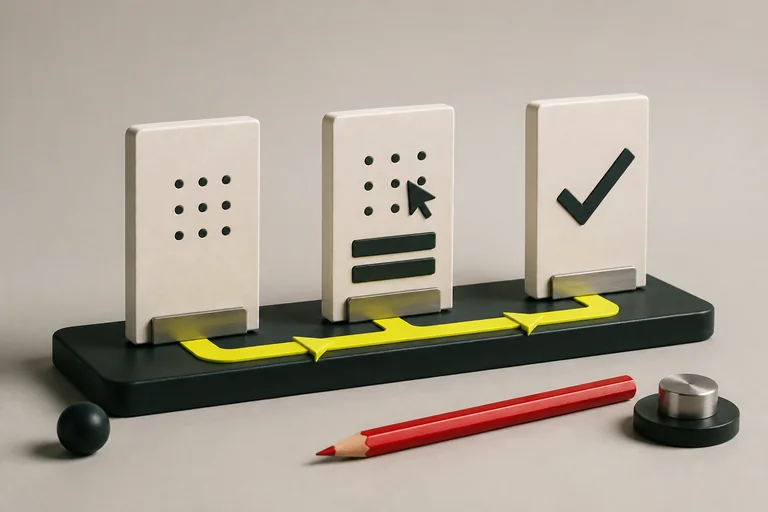
- Reproduce the problem
- Record the evidence
- Retest the fix
Lead with the observable problem
Use a title that identifies the feature, action and incorrect result. 'Booking is broken' is hard to search and tells little. 'Repeated submission creates two bookings for one learner' describes a specific failure and suggests its practical impact.
Explain the user consequence without exaggerating. If you observed duplicates in a test environment, say that. Do not claim every learner is affected unless evidence supports it. Separate severity—the impact of the problem—from priority, which the team decides using context and delivery needs.
Reduce the steps to a reliable example
Record the environment, relevant account state, input data and shortest reliable sequence. Include timing when it matters: clicking twice during a slow response is different from submitting two complete forms minutes apart.
Repeat the check where safe and note the frequency. 'Observed on three of five attempts' is more informative than 'sometimes'. If you cannot reproduce it again, retain the evidence and say so. Intermittent defects still matter, but the uncertainty should be visible.
A reproducible report
Title: Two bookings created after repeated submit Environment: Local training app, build 12, Chromium desktop Starting state: Learner has no booking Steps: Complete valid details; simulate a slow response; click Submit twice before confirmation Expected: One booking and one confirmation Actual: Two booking records and two confirmations Frequency: 3 of 5 attempts Evidence: Redacted recording and request timestamps
Separate evidence from a suspected cause
A screenshot can show the visible result; a recording can show the interaction; request and response details may show what crossed the network. Choose evidence that helps explain this defect instead of attaching everything you collected.
You might suspect a missing server-side duplicate check, but that remains a hypothesis until investigated. Put it in a separate note if useful. Leading with an unproven diagnosis can send a developer in the wrong direction and make a straightforward report harder to trust.
Use safe, focused evidence
Use practice accounts and remove secrets, personal details and unrelated messages before sharing logs or recordings. A network export can include session cookies or authorisation headers. Check the attachment rather than assuming a screenshot or text file is harmless.
Link evidence using the team's approved system and make sure intended reviewers can open it. Keep filenames descriptive and refer to the exact moment or request that matters. A short clip with a clear timestamp is often easier to use than a long recording of the whole session.
Follow the report through retesting
When a fix arrives, repeat the original reproduction and check nearby behaviour affected by the change. If repeated submission is blocked, verify that a learner can still retry after a failed request. Record the build and result so the closure has evidence behind it.
If the issue is not considered a defect, capture the clarified requirement and update your test notes. That is useful learning, not a failed report. A good reporting process helps the team agree on expected behaviour as well as correct implementation mistakes.
Make a report actionable
- Rewrite a vague title as an observable result
- Ask another learner to reproduce it using only the report
- Remove any unsupported claim about the cause or impact
- Add the exact retest you would perform after a fix
Build these skills with support
Explore live courses with guided practice, projects and space for questions.
Create Your AccountOur practical examples are learning exercises. References are linked beside the relevant sections. Course fees, schedules and access terms are maintained on the course pages. Tell us if something needs correcting.