
Begin with investigation and communication. Add tools to support good testing decisions, then prove those decisions in a small project.
A first testing role does not begin with knowing every testing tool. It begins with noticing uncertainty, asking useful questions and collecting evidence about how software behaves. You can practise those habits before you have a job title or professional testing experience.
The practical challenge is moving from 'I clicked around and it worked' to an explanation of what you checked, why it mattered and what remains uncertain. Here is a focused way to make that transition.
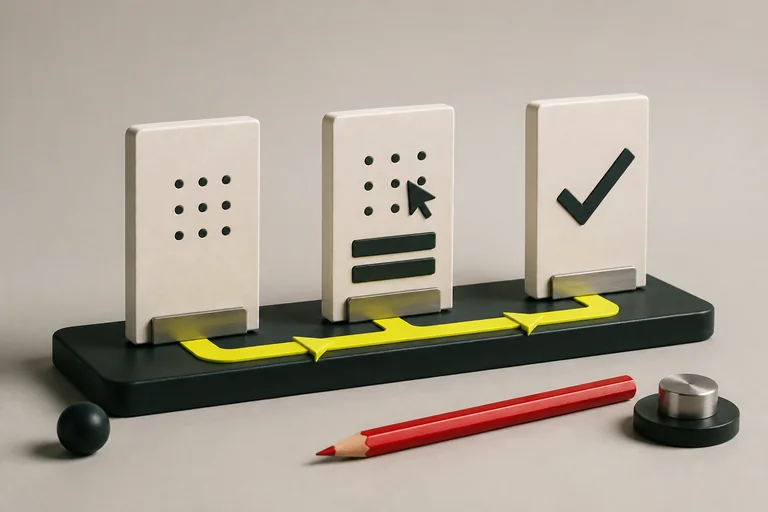
- Notice the risk
- Choose useful checks
- Explain what you found
Understand what a tester contributes
A tester helps a team make better decisions about product quality. That includes discussing requirements, exploring unusual situations, checking important journeys and reporting problems clearly. Finding defects is part of the work; understanding their effect on users is what makes the findings useful.
Imagine a course registration form. A successful submission is only one question. Can the learner correct an invalid email? Does a double click create duplicate registrations? Can someone using a keyboard complete it? Write these questions before selecting a tool.
Start with a risk
If a learner submits the form twice while the connection is slow, they might receive duplicate confirmations. I would check repeated submissions and the resulting records.
Learn to choose tests deliberately
Start with expected and unexpected inputs, boundaries, combinations and changes of state. For an age field accepting values from 18 to 65 inclusive, try 17, 18, 19, 64, 65 and 66, then consider empty input and non-numeric text. These values investigate different risks; they are not interchangeable random examples.
Distinguish a requirement from an assumption. If the form accepts spaces around an email address and there is no stated rule, ask what should happen. Labelling every surprising result as a defect can waste the team's time. Document the question and the evidence until expected behaviour is clear.
Add a small technical toolkit
Practise inspecting page elements and network requests in browser developer tools. Learn the purpose of a request method, URL, status code and response body. Later, use basic SQL to understand stored data in a practice database. You do not need to learn all of these at once.
Try accessibility checks such as keyboard navigation, visible focus and meaningful form labels. W3C's Easy Checks offers a starting point, but a quick checklist is not a complete accessibility assessment. Describe the checks you actually performed instead of declaring a product fully accessible.
Further reading: W3C WAI: Easy Checks for web accessibility
Build a small, complete testing project
Choose a practice product and one valuable journey, such as booking a session or completing a shopping basket. Write a short description of its users, the most important risks and the scope of your testing. Build a compact set of cases, then record the results and investigate any failures.
Include a reproducible bug report, a test summary and a note about untested areas. If you find no defects, that is acceptable: explain the evidence and limitations. Never invent bugs to make a portfolio look impressive. Testing your own deliberately seeded practice app is also useful if you label it clearly.
- One-page scope and risk assessment
- Focused test cases with expected results
- Actual results and reproducible evidence
- A summary of remaining risks and next checks
Prepare to explain your decisions
Practise a five-minute walkthrough of the project. Explain why you prioritised one journey, how you chose data and what you did when a result was unclear. An interviewer can learn more from an honest investigation than from a long list of memorised definitions.
Use job descriptions to decide your next skill. If suitable roles repeatedly require automation, start programming and automate a few stable checks after you understand manual testing. If they emphasise API testing or a particular business domain, build a relevant example. An entry route is a sequence of evidence, feedback and increasingly independent work.
Test a form with purpose
- Choose a form on an application you own or may test
- Write five risks and identify the most important one
- Design cases for normal, invalid and boundary inputs
- Record results and explain what you would test next
Build these skills with support
Explore live courses with guided practice, projects and space for questions.
Create Your AccountOur practical examples are learning exercises. References are linked beside the relevant sections. Course fees, schedules and access terms are maintained on the course pages. Tell us if something needs correcting.